
Halloween 2026
10 Ways to Make Your Smart Home Ghoulish This Halloween
News You Need to Know. Tech You Gotta Have.
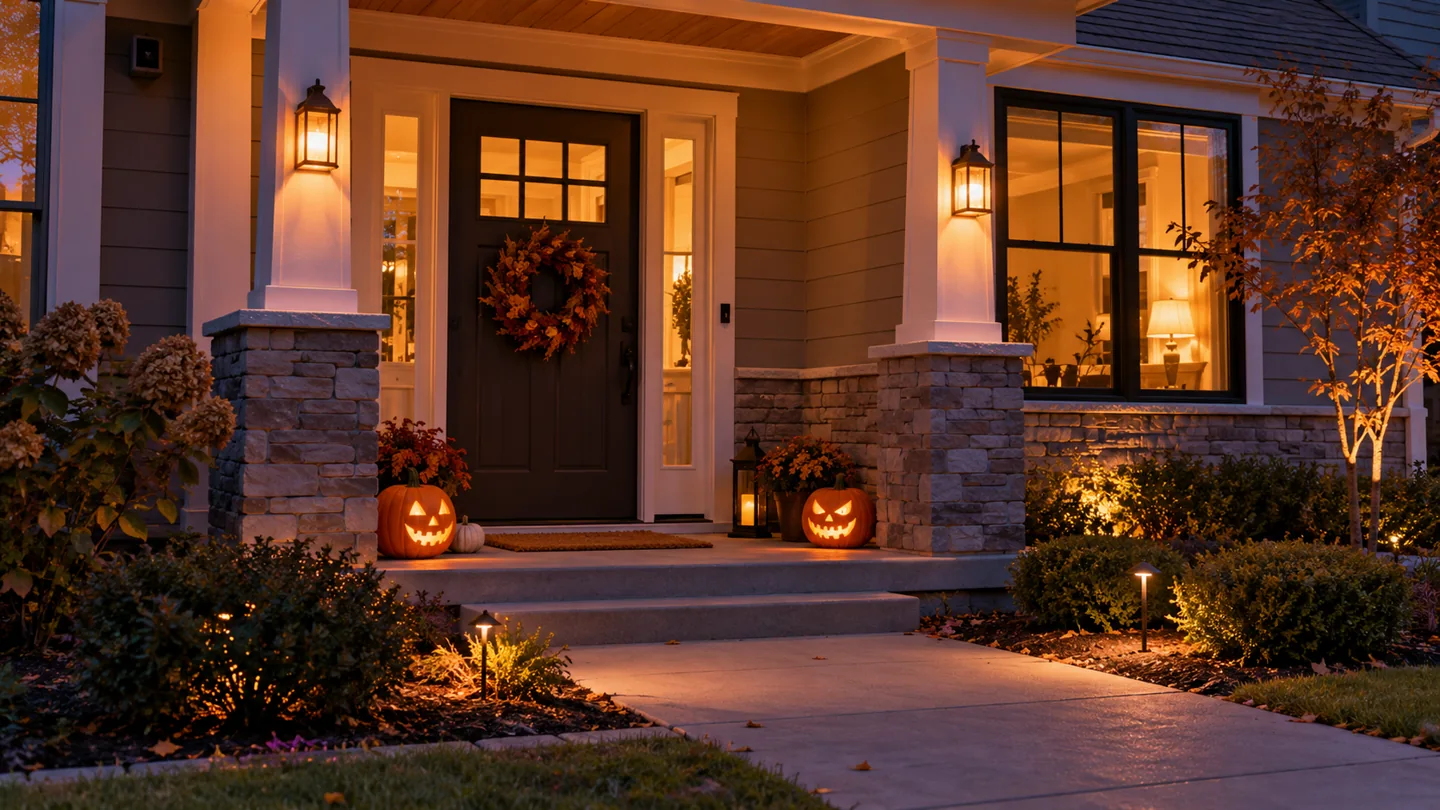
Your smart home spends most of the year turning lamps on and reminding you that somebody left the kitchen light burning. This Halloween, give it a more interesting job description.
A few timed lights, a well-placed sound and curtains that move at just the wrong moment can make an ordinary house feel suspiciously occupied. We have 10 practical ideas, starting with equipment you already own and working up to the neighbors asking who designed your attraction.
Budget note: “Free” means no additional purchase if you already have the listed equipment. “Under $100” covers the suggested accessory purchase, assuming an existing phone, network and any required controller. U.S. manufacturer prices below were checked October 24, 2026; tax, shipping and additional hubs can increase the total. Amazon prices and sellers may differ.
Start with the platform you already use
Alexa routines, Google Home automations and Apple Home scenes can coordinate supported accessories. Their available triggers and actions differ. Apple requires a home hub for sensor- and time-based Home automations; Google notes that available actions depend on devices and settings. Home Assistant is an alternative for readers comfortable configuring integrations. Apple setup guide · Google automation guide · Alexa sensor routines
Choose one platform to run the show. Before buying, check the exact model, connection method and required hub. A compatibility logo does not promise that every special effect appears in every app.
Free: put your existing equipment to work
10. Give the house a Halloween opening scene
Use: Existing compatible smart lights.
Create a scene called “The Haunting.” Set a window lamp to purple and another to orange, or dim ordinary white smart bulbs for an unsettling glow. Schedule supported accessories for the evening, or trigger the scene with a tap or supported voice command.
Keep the path and steps clearly lit. The scene should suggest that something is wrong inside the house; it should not require guests to navigate by candy-wrapper reflections.
9. Make a speaker sound suspiciously alive
Use: An existing smart speaker and audio you are allowed to use.
Build a short routine that plays creepy ambience or a spoken welcome, then returns the speaker to a comfortable volume. Alexa supports sensor-triggered routines with spoken phrases or music; Google supports media and announcements in supported routines. Apple Home can include compatible speaker playback in scenes, with requirements varying by media service and accessory.
Use an available licensed track, your own recording or the service's built-in options. Test the exact audio action first: requesting any arbitrary local file is not a universal smart-speaker feature. A quiet creak beats an air horn at a toddler's ear.
8. Let an existing sensor notice the visitors
Use: A supported motion or contact sensor and compatible lights.
Set motion in a sheltered entrance area to activate a colored lamp. Add a reset after a short interval and restrict the effect to your chosen evening hours, where your platform supports those controls.
No sensor? Use a manual scene button on your phone. It costs nothing extra and gives you perfect control over when the skeleton gets its dramatic entrance. Do not assume every camera's motion alert can trigger another brand's lights.
Under $100: buy one useful upgrade
7. Turn an ordinary decoration into a scheduled attraction
Buy: Tapo P125M Matter smart plugs; the official store listed a three-pack at $24.99.
Connect a compatible plug-in LED decoration that resumes operation when power returns. Schedule it for your display hours and switch it off at bedtime. The P125M supports Matter platforms including Alexa, Google Home, Apple Home and SmartThings. Use it indoors and follow its electrical ratings; choose equipment expressly rated for outdoor use for exposed locations. Product and price
Test power restoration before committing. Some decorations need their own button pressed after every restart. Never use a decorative routine to control a heater or fog machine.
6. Give a window an inexpensive supernatural glow
Buy: Tapo L535E color bulbs; the official store listed a two-pack at $24.99.
Place them in suitable indoor lamps near a front window. Set one orange and one purple, then schedule their on/off times. The U.S. L535E supports Matter and voice control through Alexa, Siri and Google Assistant; advanced effects may remain in Tapo's app. Keep the wall switch on, and do not install these bulbs on a dimmer. U.S. specifications · Price
Compare L535E offers on Amazon after checking the pack size and seller.
5. Add a motion cue without adding a camera
Buy: Aqara Motion and Light Sensor P2, listed at $33.99 in Aqara's U.S. store.
Pair it with your existing compatible lights and make movement cue a color change. This Matter-over-Thread sensor needs a compatible Matter controller and Thread border router; price those first if you do not own them. Supported ecosystems include Apple Home, Alexa, Google Home and SmartThings, with functionality varying. Use motion for this project rather than assuming the light sensor is exposed everywhere. Price · Connection requirements
Place it indoors, aimed at the intended area. Pets and passing movement deserve a rehearsal too.
Premium: give the haunt a production budget
4. Build coordinated lighting around the room
Buy: A Philips Hue color starter kit; the official three-bulb, Smart button and Bridge Pro kit displayed $199.99.
Create a slow-changing Halloween scene in the Hue app. For a party, explore Hue's supported music-sync options, checking the account and hardware requirements before buying. Hue documents seasonal scenes and music synchronization, while its Bridge provides connections to supported ecosystems. Those connections do not export every Hue entertainment effect into Apple Home, Alexa or Google Home. Kit · Halloween features
3. Make the curtains deliver the reveal
Buy: Compatible curtain motors and the required hub.
Schedule the curtains to open on a lit cardboard silhouette, then close after the performance. SwitchBot listed Curtain 3 rod units at $89.99 and Hub 2 at $69.99 on its security collection page. Two motors for center-opening curtains plus that hub total $249.97 before tax and shipping. Verify your rail measurements and current selected variant price. Prices · Fit guide
SwitchBot specifies Hub 2 for Curtain 3's Matter connection to Apple Home. Other voice integrations also need a compatible SwitchBot hub. Integration details
2. Turn a window into an after-dark horror screen
Use or buy: A projector, suitable screen and player with documented scheduling or smart-control support.
Run a licensed silhouette loop behind a window. Schedule the player only if its documented controls support that action; otherwise start it manually and automate the surrounding lights. Check the total cost of projector, screen, mounts and content before shopping.
Keep projection inside your property and out of drivers' eyes. Use the projector's normal shutdown process: a smart plug cutting power is not a universal replacement. Fog is an optional, separately supervised effect only where the manufacturer's instructions and location permit it.
1. Give the whole production a beginning—and an ending
Use or buy: An integrated controller, supported accessories and time to test them.
In Home Assistant, combine a trigger, conditions and actions: a supported doorbell event during display hours cues lights and compatible audio, followed by a reset. Use only events and actions actually exposed by your integrations. Google Home also documents compatible doorbell-triggered lighting; availability depends on the connected device. Home Assistant automation basics · Google examples
Create a separate “Show's Over” scene to restore normal lights and stop decorative effects. Keep a manual off control handy. Let a camera help you see visitors without covering its lens, disabling security features or making recording children part of the entertainment.
You Won't Believe the Rest of the Story
Your best Halloween upgrade may be a rule that stops things happening. Home Assistant's automation model separates a trigger from optional conditions and the resulting actions. A sensor can detect movement all night, while your condition allows the theatrical effect only during display hours. That distinction is how a haunted hallway avoids becoming a 3 a.m. argument with the cat. How conditions work
Want technology that is unsettling even without pumpkins? See 10 Creepy Gadgets That Actually Exist. Prefer your chills with the history checked? Read 10 Terrifying Halloween Stories With a Shocking Truth Behind Them.
Start with one scene, rehearse it and expand only after it works. The house can look possessed. The wiring should remain completely boring.